Office for Students
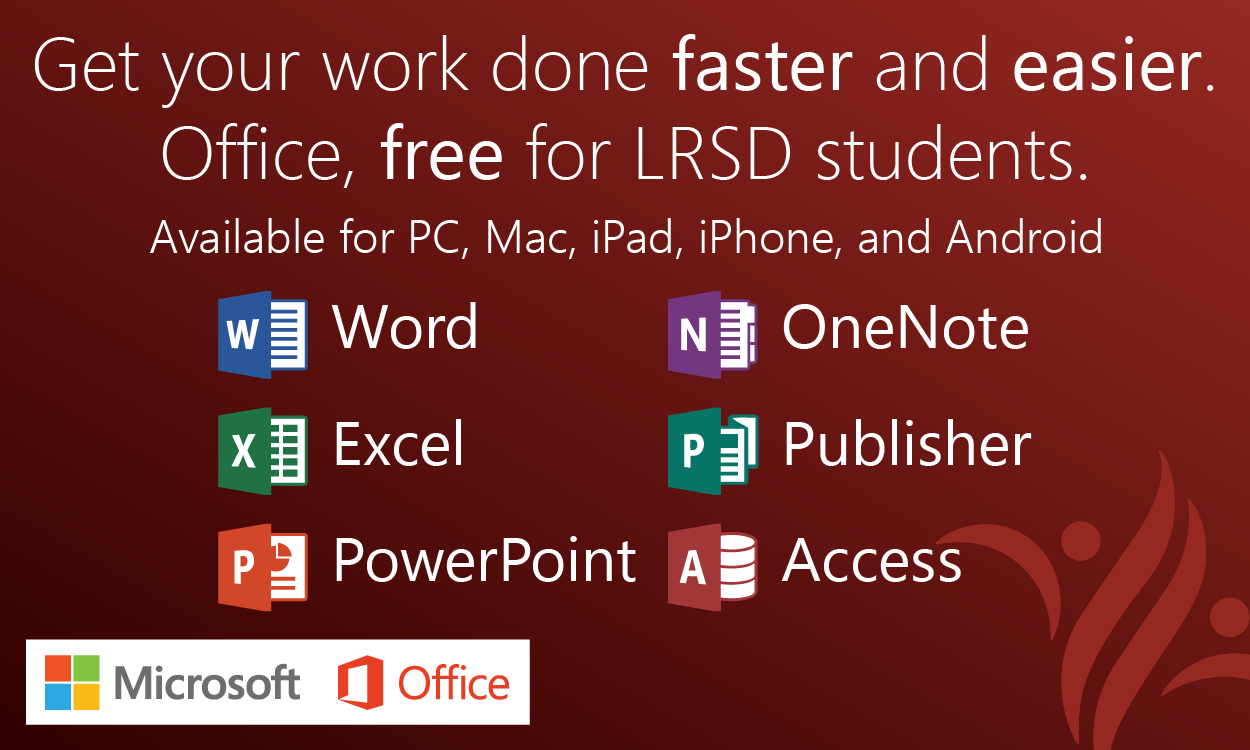
LRSD students can now download Microsoft Office for free on up to 10 devices (5 computers and 5 tablets) through the Microsoft Student Advantage program.
How to Download
1) Navigate to login.microsoftonline.com
2) Enter your LRSD email address and password
3) Click "Install"
If you would like to install Office on an iOS or Android device, you can download the app from the App Store or Google Play, and simply log in with your LRSD email and password.